prototyping
Raspberry Pi Pico
- The Pico-specific carrier exposes pins for KS3020 experiments.
Connection conditions
- Verify orientation and exact revision; exposed connectors retain Pico GPIO limits.
Prototyping
A Keyestudio Pico carrier brings controller signals to accessible prototype connections without changing their electrical limits.
Controller header/breakout; prototype pads as fitted
Provides a Pico mounting/connection area and labeled expansion points for the kit’s wiring. It does not inherently add safe drive current, level shifting or analog inputs.
PCB traces distribute existing power and signal nets to connectors/pads. Any fitted regulator, switches or other circuitry must be identified separately; connector expansion alone is passive.
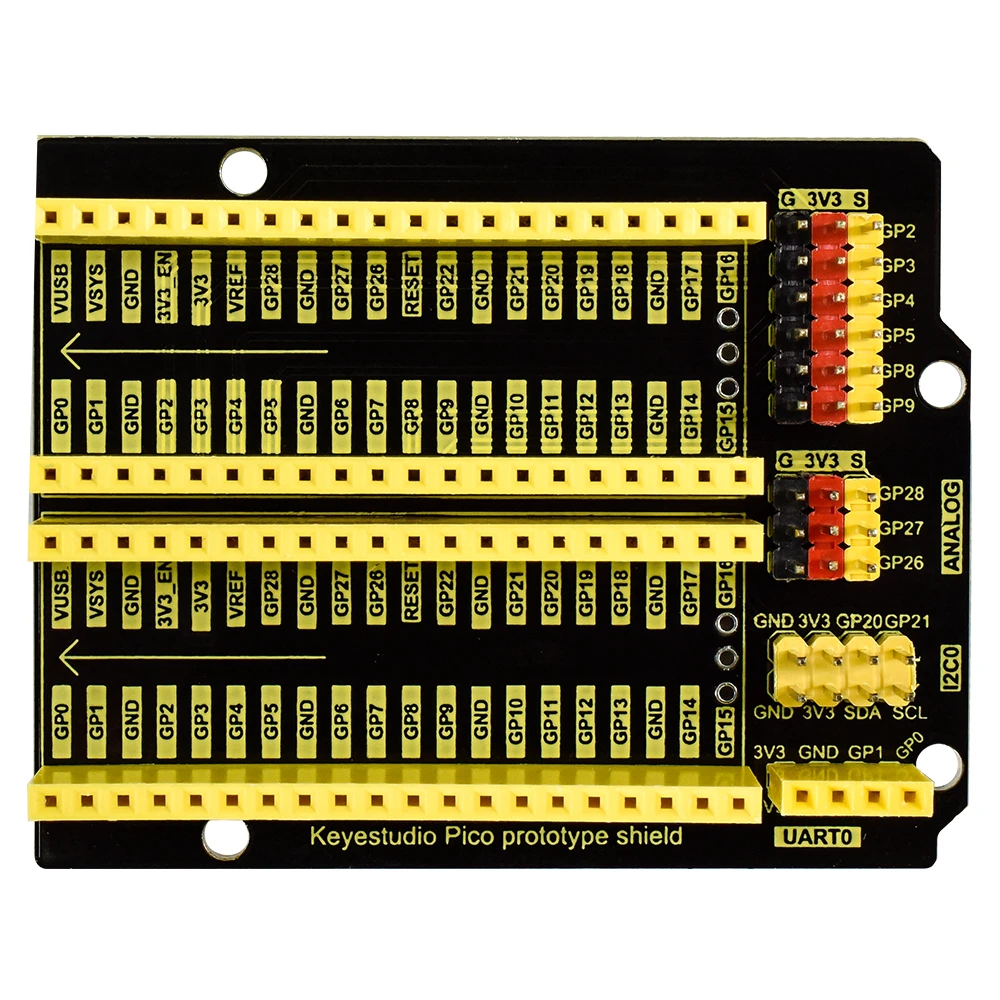
Keyestudio carrier with a Pico mounting/header area and extra labeled connection points.
Also called: Raspberry Pi Pico Expansion Board
With power off verify exact pin mapping and orientation against the carrier diagram. Check for shorts/bridges, confirm supply rails and then connect one peripheral at a time. Keep controller GPIO limits in force even if a connector is marked power/signal for convenience.
Read the conditions before connecting parts. A relationship can involve a driver, controller or a redesigned circuit.
prototyping
Quantity: 1 · quantity confidence: high
Known countable purchase/BOM contributions. Each source line is a total; do not multiply by container count or add photo observations.
Ownership: source-backed club holding. Identity confidence: high.
Identity follows exact kit sheet/BOM; expected quantity is not a physical stocktake.
V1 establishes the catalog identity. Technical references explain the named device or component class; unverified carrier-specific ratings and pinouts are not asserted.
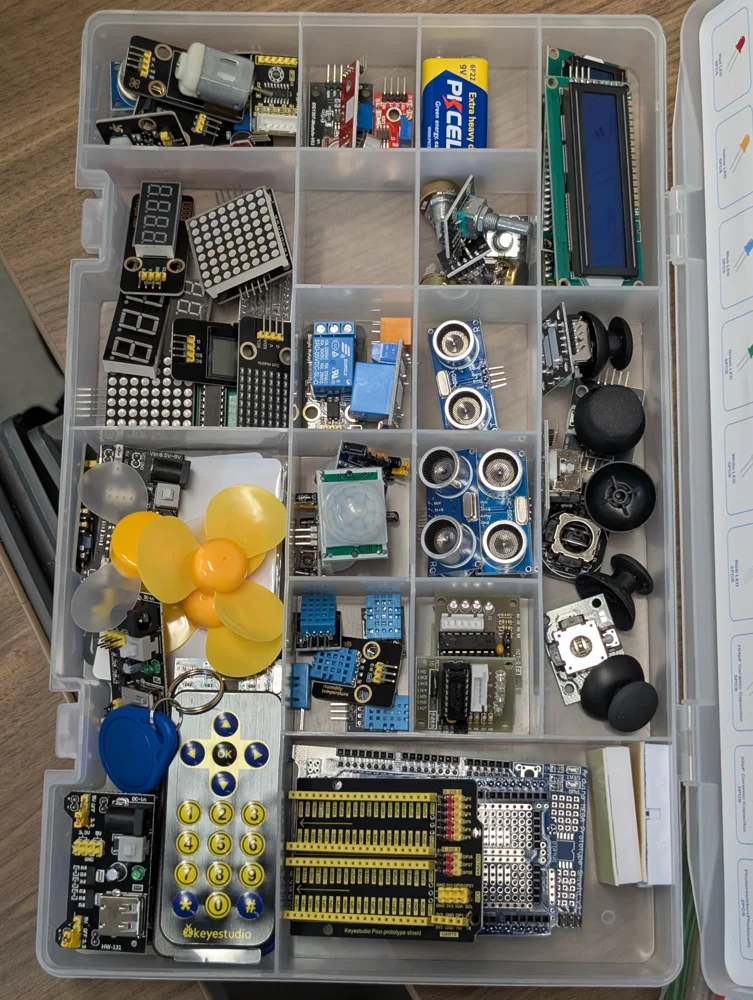
Original V3 image confidence: 90% · high. Component crop tied to an owned kit and its source mapping; selected by form rather than filename alone.
Original V3 image source: Keyestudio KS3020 (owned kit reference). Images describe identity and form; they do not establish quantity.
Displayed image source: User-supplied Keyestudio Pico prototype shield reference photograph.
User-selected Keyestudio Pico prototype shield reference. Printed connector and rail labels are retained without changing canonical pinouts, voltage limits, compatibility or quantities.
User-supplied reference image; original rights retained.