Arduino Uno R3
The host supplies display-specific data, initialization and refresh/scan behavior.
- Verify contrast, pinout and backlight limiting.
Displays
A parallel LCD1602 displays two rows of sixteen characters using liquid-crystal cells and a character-controller interface.
Parallel 4/8-bit bus; RS/E and optional R/W · Separate backlight and contrast functions
Shows readable text such as a measurement, menu or timer without maintaining a full graphics framebuffer. The character controller stores text and generates dot patterns. A direct connection uses control lines and a 4-bit or 8-bit data bus, requiring more host pins than a backpack version.
Electric fields orient liquid-crystal molecules so polarizers change how much light reaches the viewer. A backlight supplies illumination; the LCD cells do not emit it. An HD44780-compatible controller typically selects character cells and dot patterns.
Liquid-crystal layer between transparent electrodes/polarizers, with backlight and a controller PCB; the backpack is a separate interface adapter.
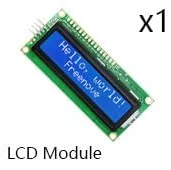
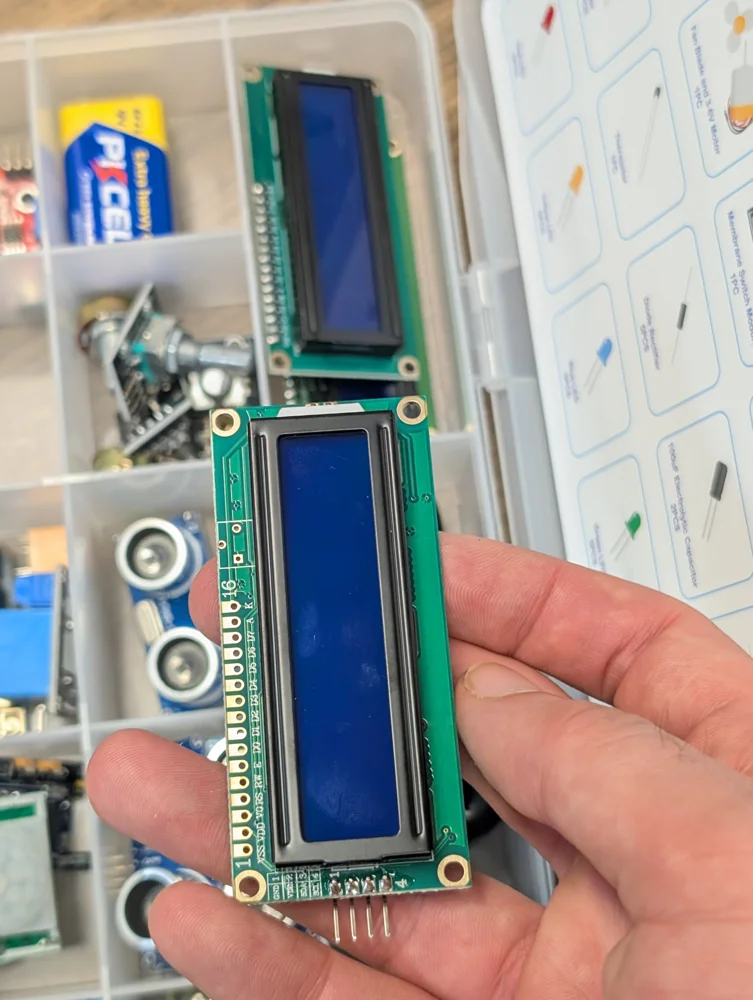
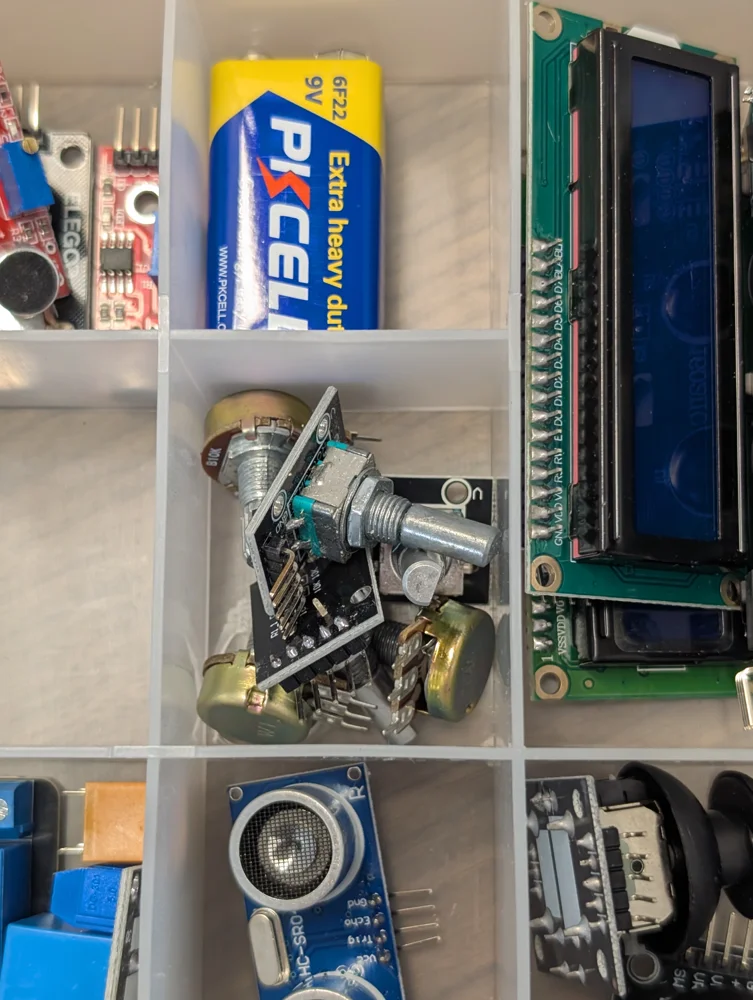
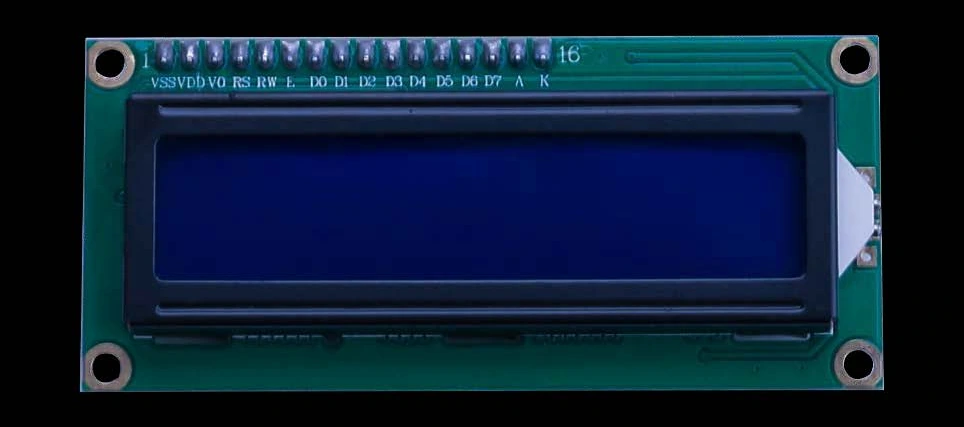
Long rectangular 16×2 window and carrier PCB. A parallel header row is present; check the back to ensure no backpack has been added.
Also called: 1602 LCD, 16x2 character display, lcd module, lcd 1602 module with pin header, LCD1602 module (with pin head)
Follow the actual module pinout, normally use four data lines plus RS/E, and tie R/W to the write state when using a write-only library. Verify module supply and logic thresholds, set the contrast pin/trimmer and confirm backlight limiting. Initialize 16 columns and 2 rows in a matching library. If blocks appear without text, check initialization, contrast and signal wiring rather than assuming a failed panel.
The host supplies display-specific data, initialization and refresh/scan behavior.
beginner
Bring up a bare LCD1602 and learn why backlight, contrast and controller initialization are separate.
Read the conditions before connecting parts. A relationship can involve a driver, controller or a redesigned circuit.
parallel character display
user interface
kit learning anchor
Display choice for a task after information density, refresh, power and interface review.
Pick information density and refresh behavior first. Text does not require a framebuffer; a persistent e-paper label does not behave like a video screen. MAX7219 offloads scanning while bare matrices expose driver design. P5 offers a large color surface with materially greater power/timing demands. The four-digit carrier remains unsuitable for assumed driver-specific projects until identified.
The replacement can show an equivalent limited text/pattern task with a redesigned display layer.
The replacement can show an equivalent limited text/pattern task with a redesigned display layer.
Researched external products, separate from club inventory. Price and availability are not promised.
Adafruit
A text or small monochrome display cannot present the desired color graphs and touch controls.
A text or small monochrome display cannot present the desired color graphs and touch controls. Choose this path only when the stated improvement is a requirement.
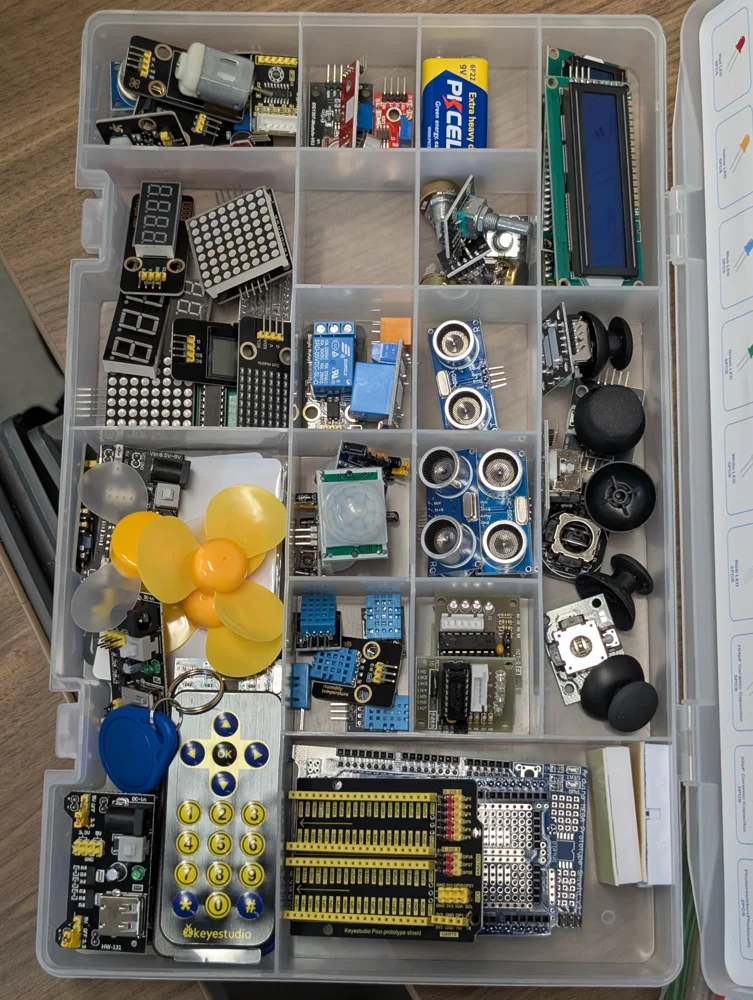
Quantity: 3 · quantity confidence: high
Known countable purchase/BOM contributions. Each source line is a total; do not multiply by container count or add photo observations.
Ownership: source-backed club holding. Identity confidence: high.
Identity follows exact kit sheet/BOM; expected quantity is not a physical stocktake.
V1 establishes the catalog identity. Technical references explain the named device or component class; unverified carrier-specific ratings and pinouts are not asserted.
Original V3 image confidence: 90% · high. Component crop tied to an owned kit and its source mapping; selected by form rather than filename alone.
Original V3 image source: ELEGOO Mega reference (owned kit reference). Images describe identity and form; they do not establish quantity.
Displayed image source: ELEGOO — The Most Complete Starter Kit for MEGA 2560 tutorial — The Most Complete Starter Kit for MEGA V1.0.2021.05.13.pdf, page 154, image xref 557 (supplied selection metadata).
Two-row LCD window and full parallel header match the canonical LCD1602. No I2C backpack is shown or asserted; check the actual rear before wiring.
Illustration © ELEGOO. All rights reserved. Used for the Engineering Club educational website under club-reported permission; no broader license is granted.