Arduino Uno R3
required for programmed response
A controller interprets the event and controls any display, alarm or actuator.
- Contacts bounce; use a pull-up and software debouncing.
Sensors
A contact sensor turns orientation into switch events for a controller.
Contact or carrier digital output
Detects orientation through a change in continuity. The output is an event or state, not a calibrated angle, force or acceleration value.
A conductive ball moves under gravity to bridge or release contacts. A pull resistor or carrier comparator converts continuity into a logic level; bouncing can generate several edges from one physical event.
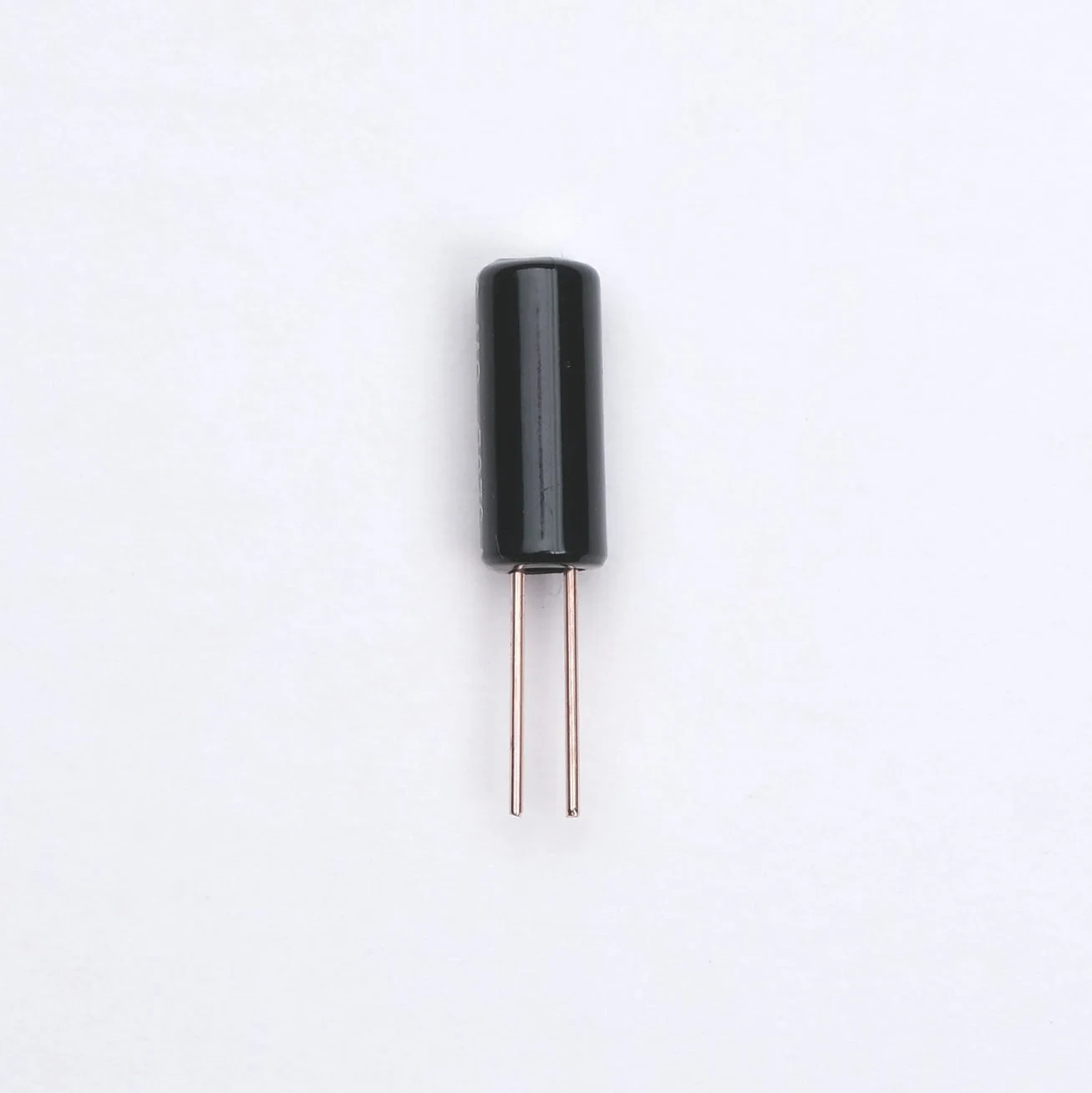
Small two-lead cylindrical switch; verify mechanism before handling. Check actual switch element and carrier labels before selecting a pinout.
Also called: Tilt Switch, tilt ball switch, piece tilt switch
For a bare switch use a logic-safe pull-up and contact-to-ground input. For a carrier verify supply, active level and pull-up rail. Debounce state changes or count events inside a chosen time window.
required for programmed response
A controller interprets the event and controls any display, alarm or actuator.
required if no internal pullup
A pull-up/down prevents a disconnected contact from leaving the input floating.
beginner
Compare event timing from bare tilt and vibration switches using identical debouncing rules.
Read the conditions before connecting parts. A relationship can involve a driver, controller or a redesigned circuit.
event input
event input
event indication
support hardware
Quantity: 3 · quantity confidence: high
Known countable purchase/BOM contributions. Each source line is a total; do not multiply by container count or add photo observations.
Ownership: source-backed club holding. Identity confidence: high.
Identity follows exact kit sheet/BOM; expected quantity is not a physical stocktake.
V1 establishes the catalog identity. Technical references explain the named device or component class; unverified carrier-specific ratings and pinouts are not asserted.
Original V3 image confidence: 90% · high. Component crop tied to an owned kit and its source mapping; selected by form rather than filename alone.
Original V3 image source: ELEGOO Mega reference (owned kit reference). Images describe identity and form; they do not establish quantity.
Displayed image source: User-supplied Ball tilt switch, bare part reference photograph.
User-selected bare two-lead ball tilt switch reference, distinct from a carrier module. Pictured housing does not establish internal mechanism or electrical orientation.
User-supplied reference image; original rights retained.
