Site Guide

Find your way around the Engineering Club.

Know what you need? Search for a component, concept or project.

Around the site

Start

Labs

TestingExperimental

Build

Club

LearnExperimental

Go a little deeper

Entry points to larger collections. Use Search for individual records.

Learning paths & reference

Inside PiCrawlerExperimental

Inside Inventory

← Club inventory
Micro-HDMI to HDMI cable

Cables & Adapters

Micro-HDMI to HDMI cable

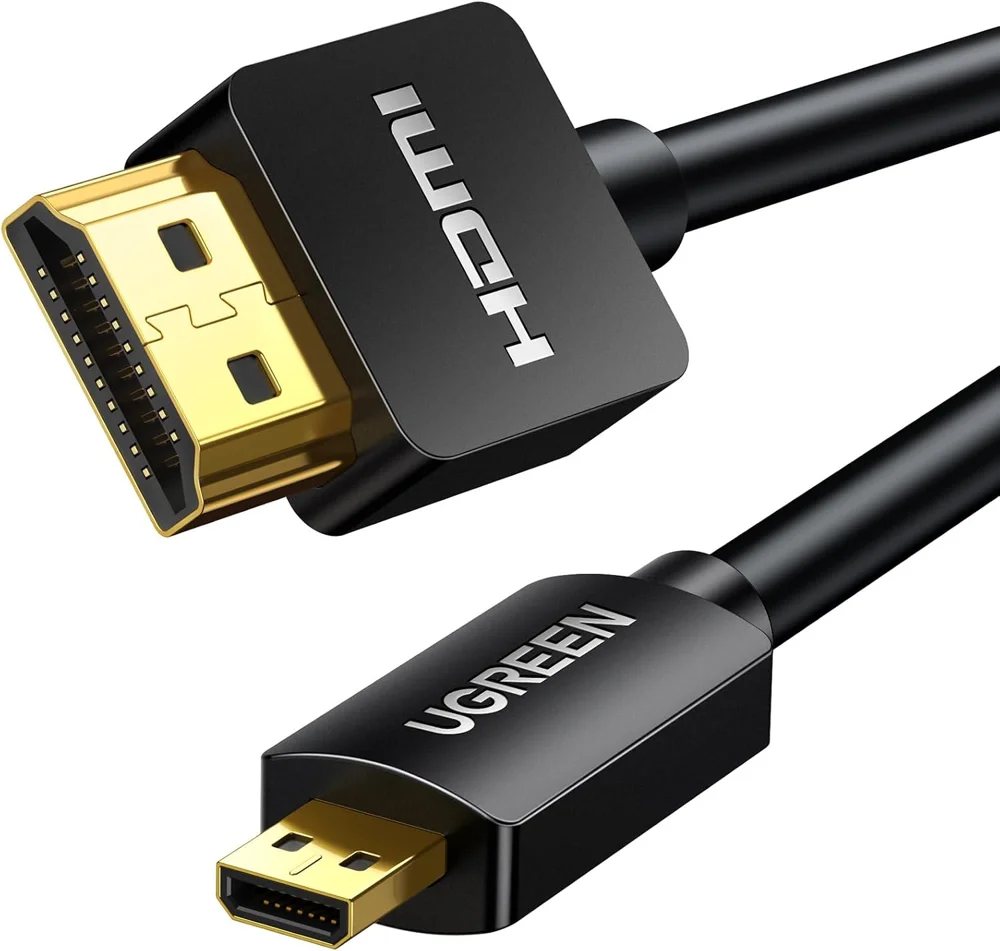
A micro-HDMI-to-HDMI cable connects a small board display port to a full-size HDMI monitor input.

Owned by clubQuantity: 2

HDMI video/audio and display-control signals

What it does

Carries digital video/audio without changing it into another display protocol. It is a connector-format cable, not automatically an active converter or a guarantee of every resolution/refresh mode.

Useful specifications

Connector conversion
Micro-HDMI to full-size HDMI
Bandwidth/mode rating
Unverified for exact cable
How it works

High-speed differential links carry HDMI data and additional wires provide display identification/control. Cable quality and length affect the reliable link bandwidth.

Recognize the part

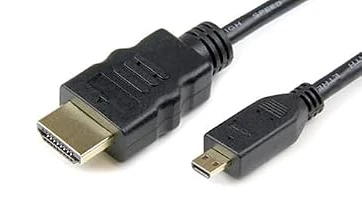
Very small micro-HDMI plug and full-size HDMI plug; micro-HDMI differs from the larger mini-HDMI connector.

Also called: Micro-HDMI adapter

How to use it

Connect gently to the Pi’s micro-HDMI port and monitor HDMI input, relieving cable strain. Select a supported display mode; if a high-bandwidth mode fails, test a lower mode or known cable before blaming the computer.

Know before using

Limits

  • Passive cable does not convert HDMI into DisplayPort/VGA.

Common mistakes

  • Forcing mini-HDMI into micro-HDMI.
  • Levering a stiff cable against the tiny board connector.

Related owned hardware

Read the conditions before connecting parts. A relationship can involve a driver, controller or a redesigned circuit.

video output · support hardware

Raspberry Pi 4 Model B 4GB

  • Micro-HDMI matches the Pi display output for setup or an instrument interface.
  • Local HDMI setup can be convenient; a configured headless SSH workflow does not require a monitor.

Connection conditions

  • An HDMI monitor and its compatible input remain external; this is not a GPIO display bus.
  • A compatible HDMI monitor/cable remains external; the adapter is not a GPIO display driver.
video output · support hardware

Raspberry Pi 5 4GB

  • Micro-HDMI matches the Pi display output for setup or an instrument interface.
  • Local HDMI setup can be convenient; a configured headless SSH workflow does not require a monitor.

Connection conditions

  • An HDMI monitor and its compatible input remain external; this is not a GPIO display bus.
  • A compatible HDMI monitor/cable remains external; the adapter is not a GPIO display driver.

Documentation

Wishlist / acquisition context

Micro-HDMI adapter: 1 individual units · received

View wishlist →
Inventory record and image evidence

Quantity: 2 · quantity confidence: confirmed

Known countable purchase/BOM contributions. Each source line is a total; do not multiply by container count or add photo observations.

Ownership: source-backed club holding. Identity confidence: confirmed.

Exact product explicitly confirmed owned by user; quantity comes from a separate holding, not this image.

V1 establishes the catalog identity. Technical references explain the named device or component class; unverified carrier-specific ratings and pinouts are not asserted.

Source holdings

Parent kits

Image confidence: 98% · confirmed. Supplied exact-owned product reference; visible model/form checked. Image is not a physical receipt or count.

Image source: Confirmed exact products (exact product). Images describe identity and form; they do not establish quantity.